SUNSEER
A web application for fast financial analysis and forecasts for electrical installations
Description
SUNSEER allows users to store information about their installations in the cloud, retrieve historical data and forecasts, and generate clear financial reports.
Motivation
Potential customers often struggle to obtain reliable data and financial estimates for their photovoltaic installations. This process can be time-consuming and requires knowledge of multiple data sources.
With SUNSEER, we focus on simplicity and effectiveness – we want every user to be able to obtain realistic forecasts in just a few steps and understand the benefits of installing solar panels.
Features
-
Profitability analysis based on location
- After selecting or downloading a location, the application calculates how photovoltaic panels will perform in a given place.
- Thanks to precise algorithms, we take into account orientation, roof tilt angle, and average solar exposure.
-
Advanced estimation algorithms
- We use an open weather API to retrieve historical data and forecasts.
- The model accounts for seasonal changes and climate nuances, resulting in more accurate outcomes.
-
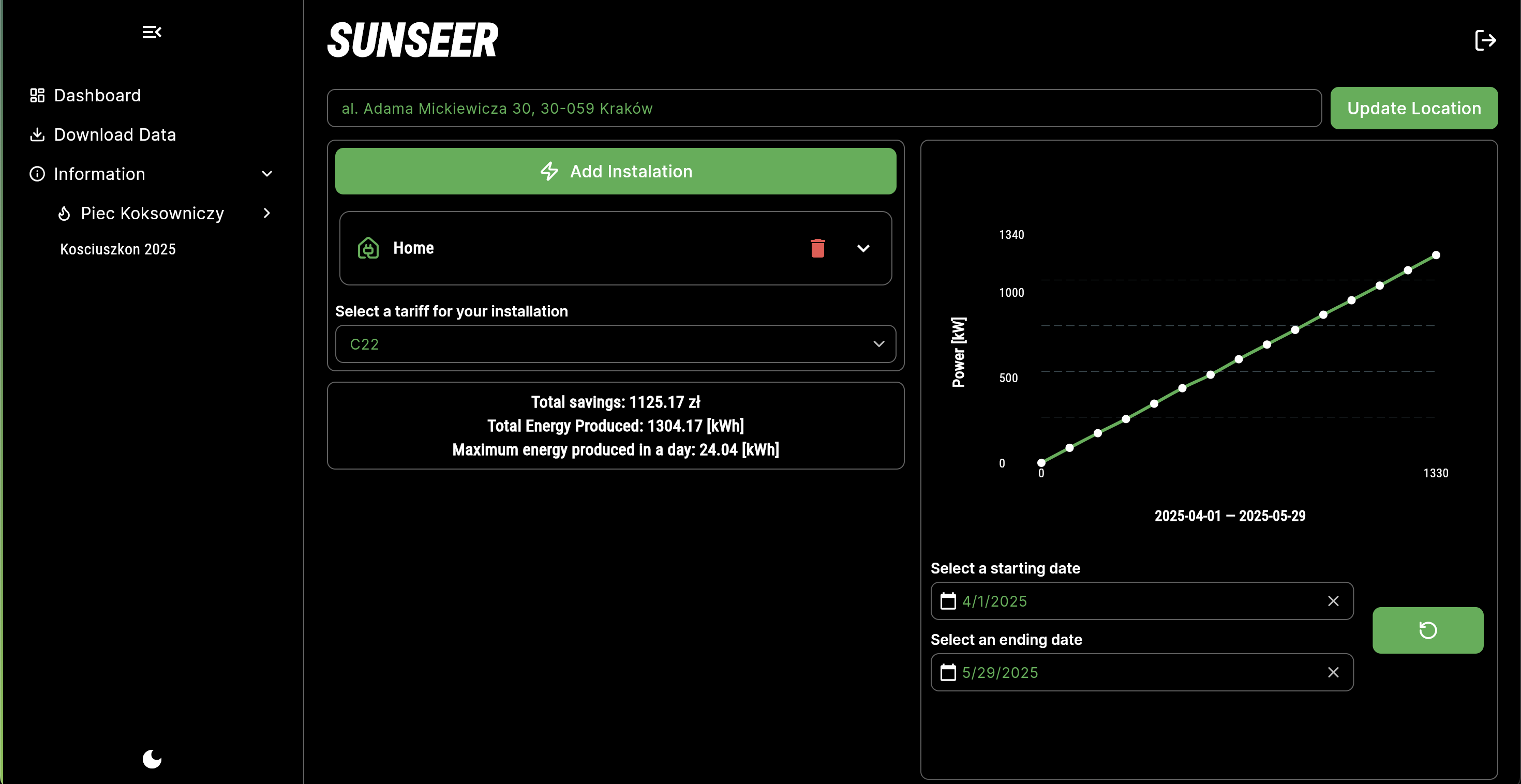
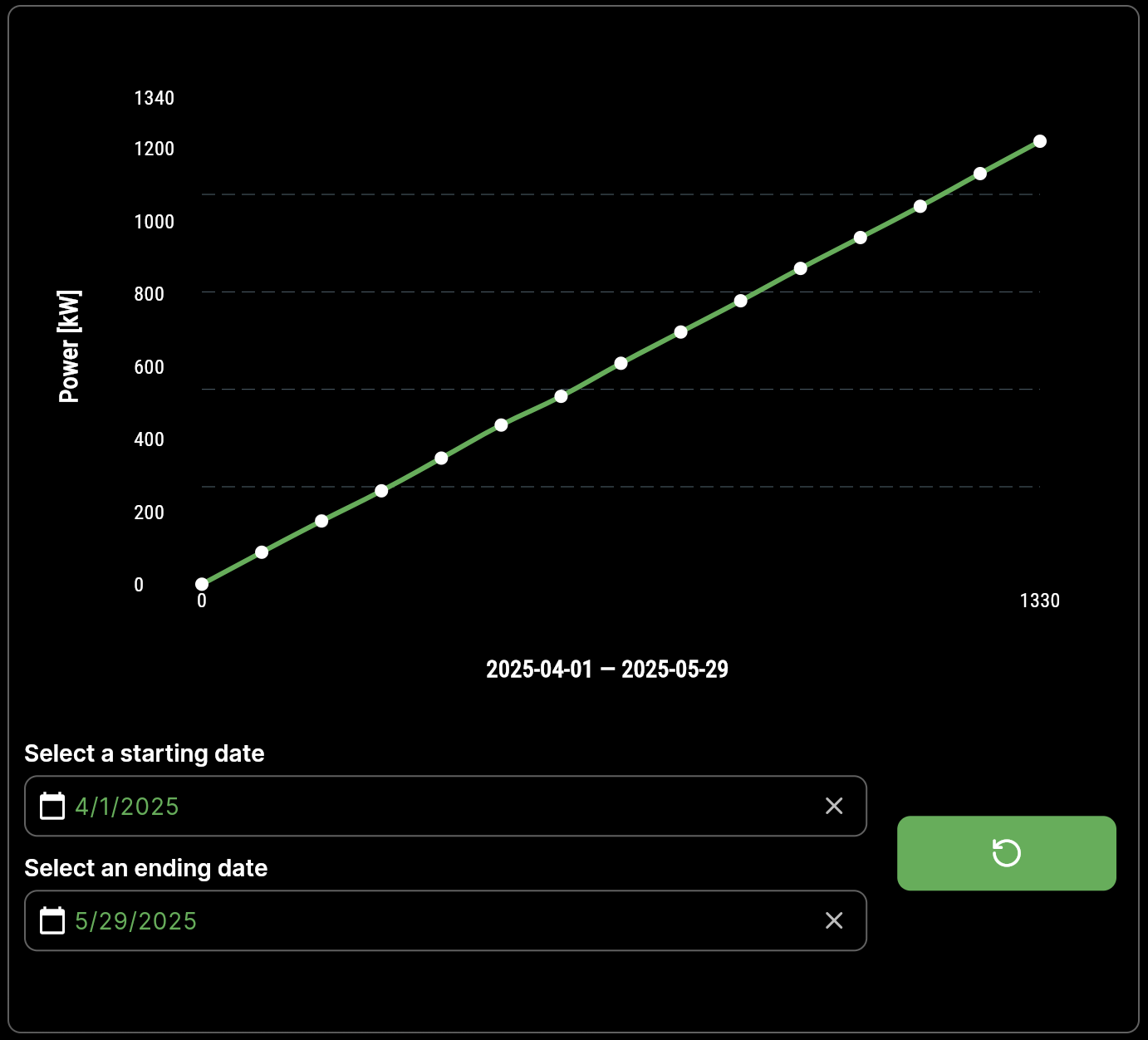
Potential savings chart
- An interactive chart presenting savings over a selected time range (e.g. 1, 5, 10 years).
- The ability to adjust the time horizon and preview seasonal fluctuations in energy production.
-
Downloading forecasts and historical data
- Export data to a CSV file for use in further analysis.
- Simple “Download history” and “Download forecast” buttons in the interface.
-
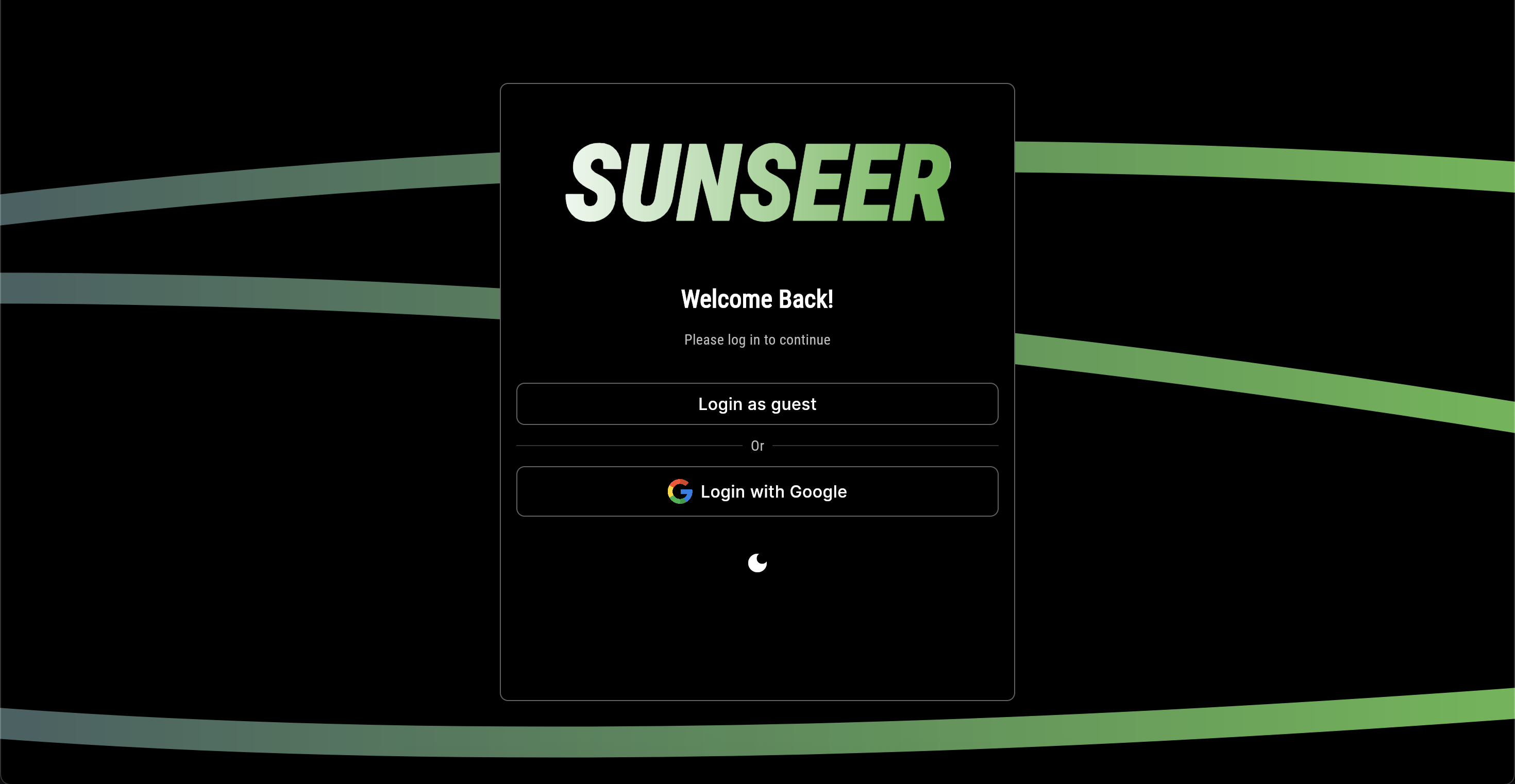
Google login and authentication
- Quick start: users can log in with one click using their Google account.
- Security based on Firebase Authentication.
-
Anonymous mode
- Users who do not want to log in can use the application anonymously and view estimated data without saving history to the cloud.
Architecture and Technologies
-
Frontend: Flutter (Web)
- Modern UI design, responsive across different screen resolutions.
- Easily extendable components and animations.
-
Backend: Flutter + Firebase
- Firebase Firestore – storage of user and installation data
- Firebase Authentication – Google login and anonymous mode
-
Weather data: Open API
- open-meteo – we use an open weather API to retrieve detailed historical data for a given location with 9 km resolution and global coverage.
Code structure
/project
├── lib
│ ├── animations # Animations used in the application
│ ├── layout # Main screen layouts
│ ├── models # Model definitions (weather, panels, installations)
│ ├── providers # State management providers
│ ├── repositories # Weather data fetching and parsing logic
│ ├── services # Services: Firebase, weather API, location
│ ├── theme # Theme definitions (colors, fonts)
│ ├── widgets # Reusable UI components
│ └── main.dart # Entry point – application startup
└── README.md # This documentation
Demo
Below are a few screenshots showing the key features of the application:
- Login screen
- Main dashboard
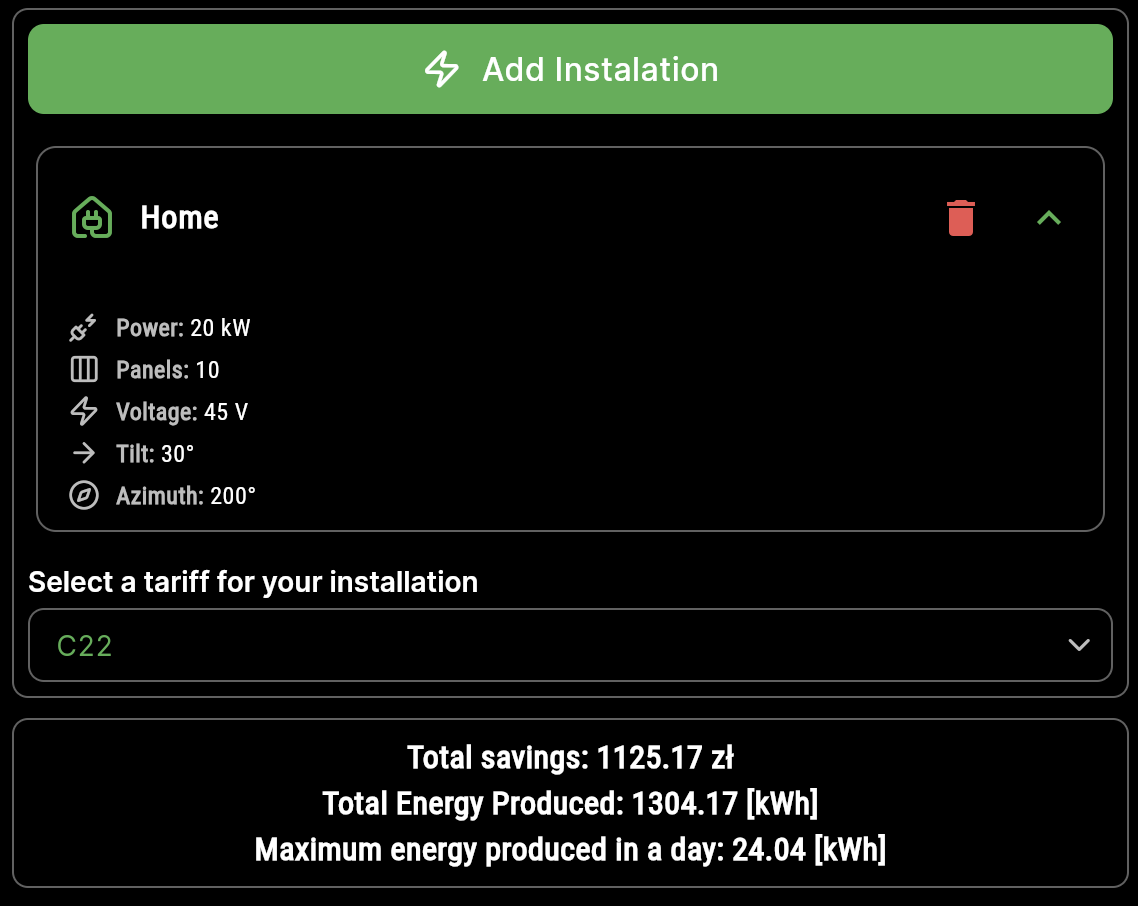
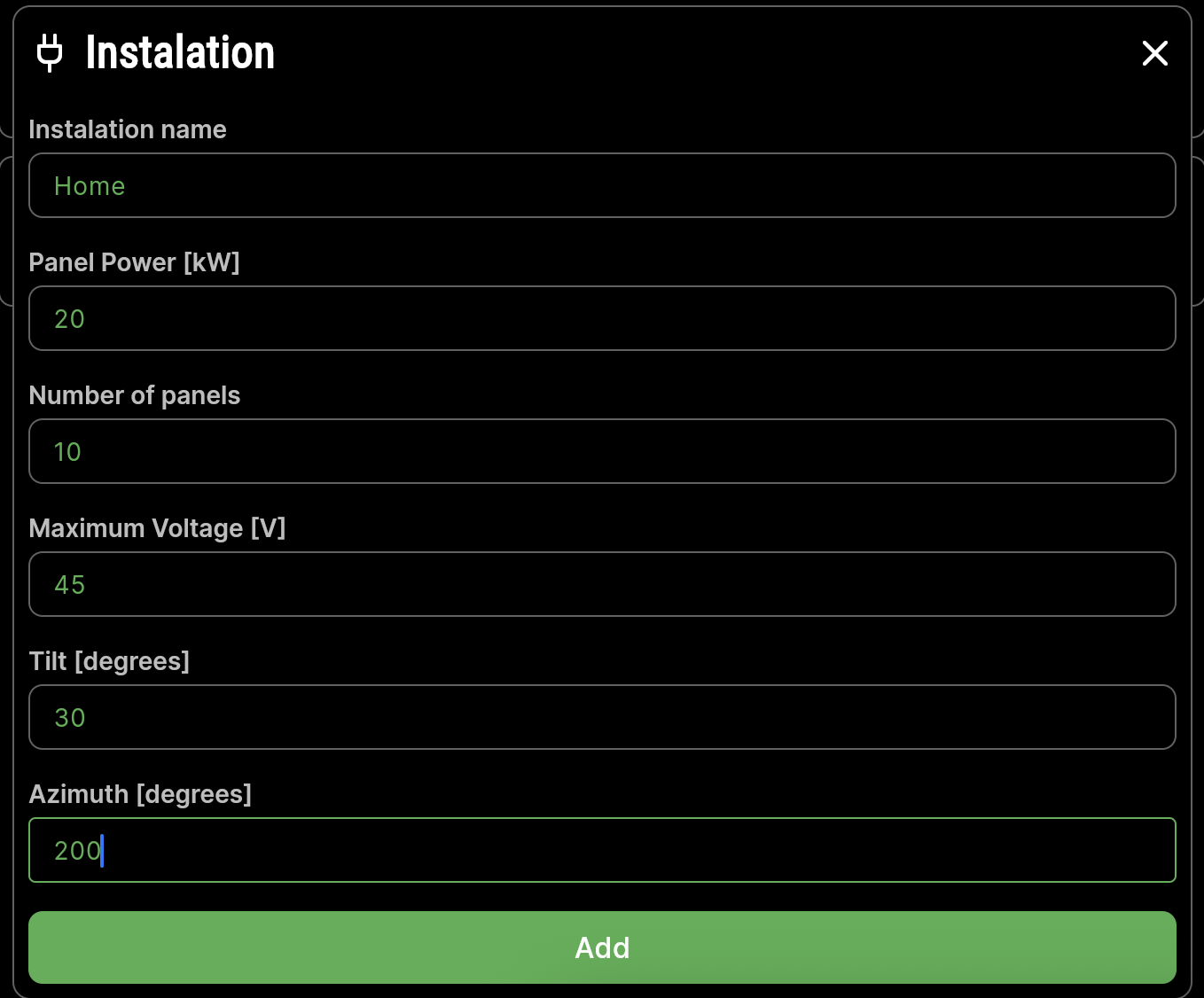
- Installation management section
- Energy production chart for a selected period
- Potential savings considering electricity tariff